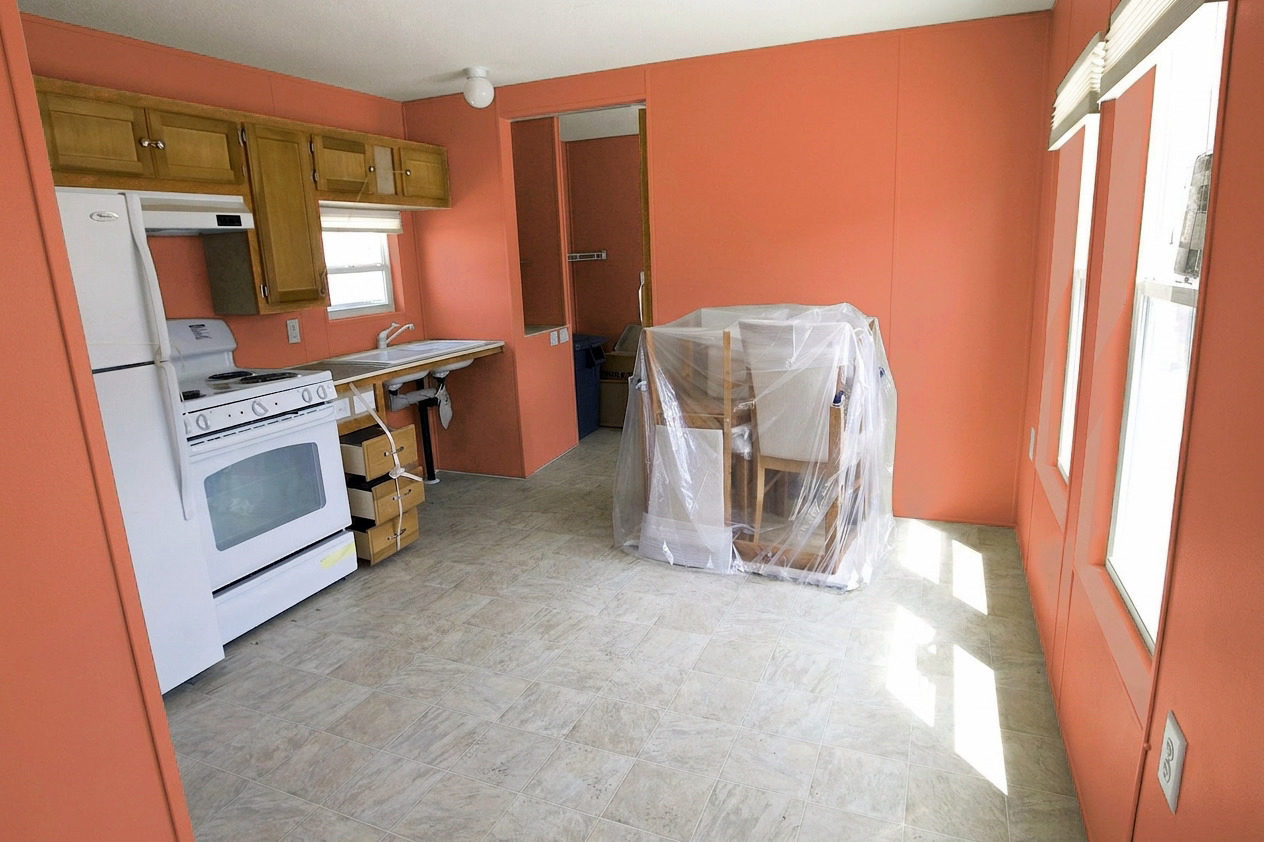
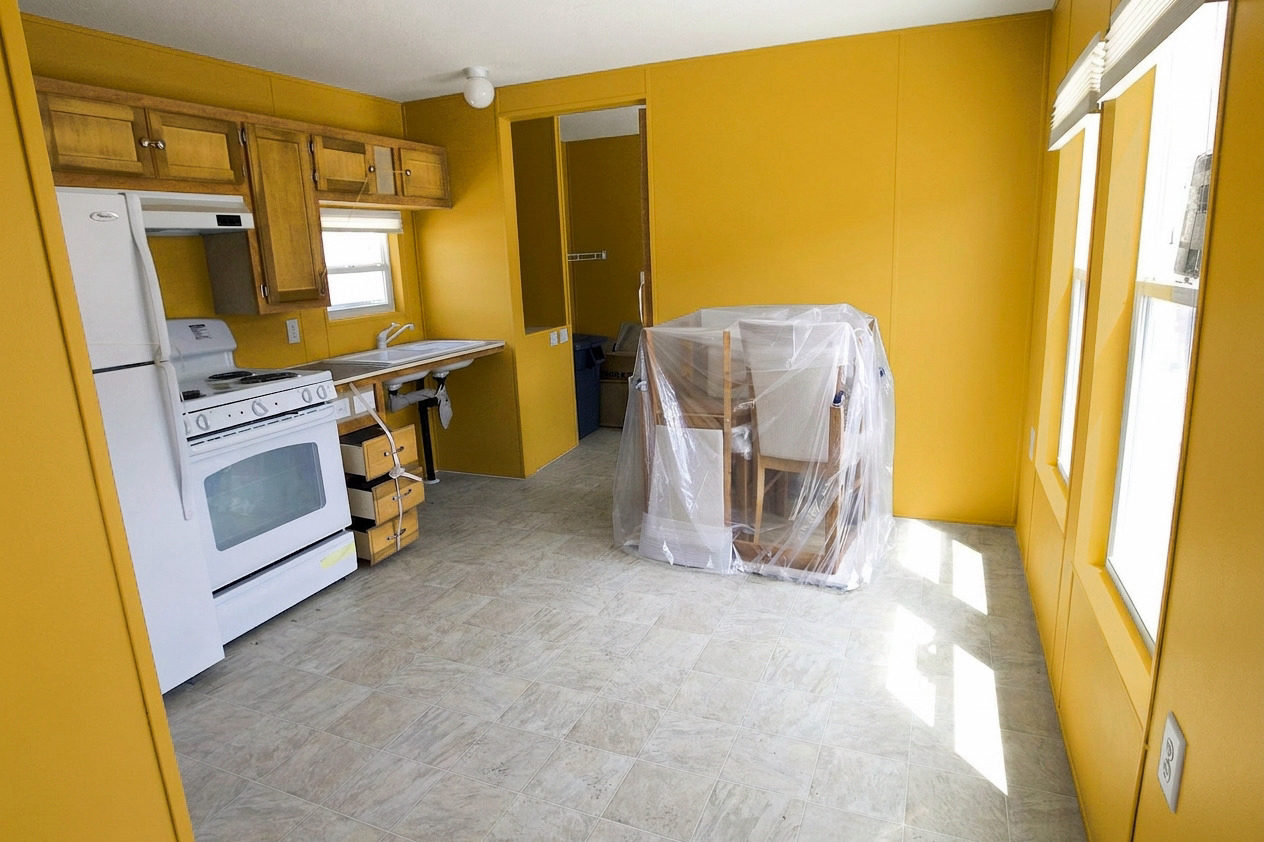
Can I test paint colours on a photo of my room?
Yes. Upload a clear room photo, choose a curated colour or mix your own, and compare the repaint with the original.
Upload a photo of your room and see it realistically repainted in any colour, with the result checked against the actual paint code.
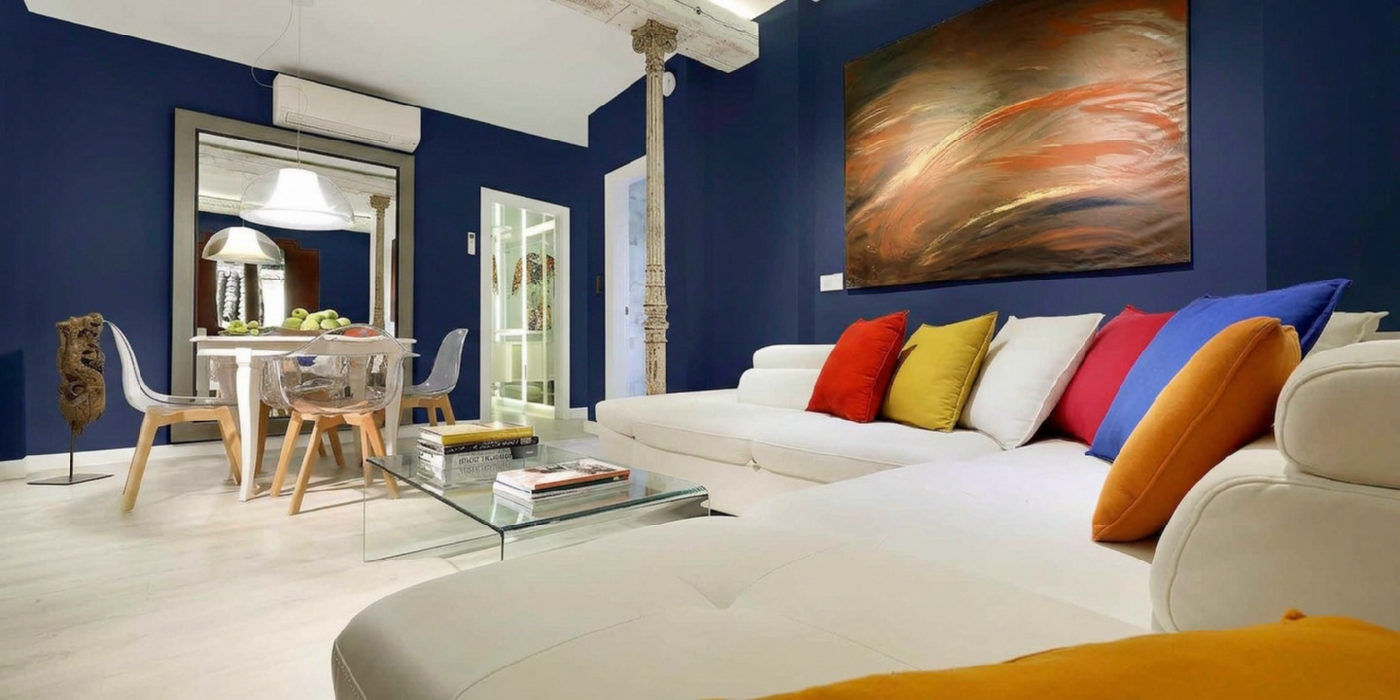
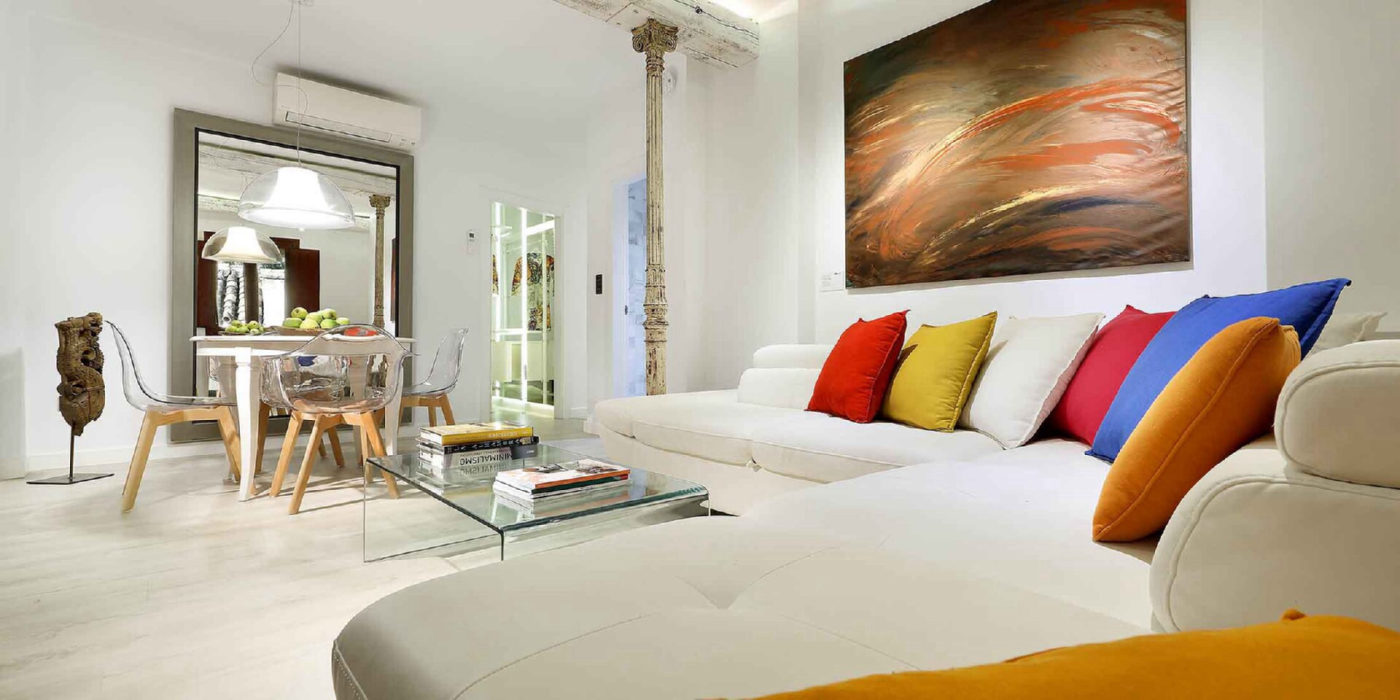
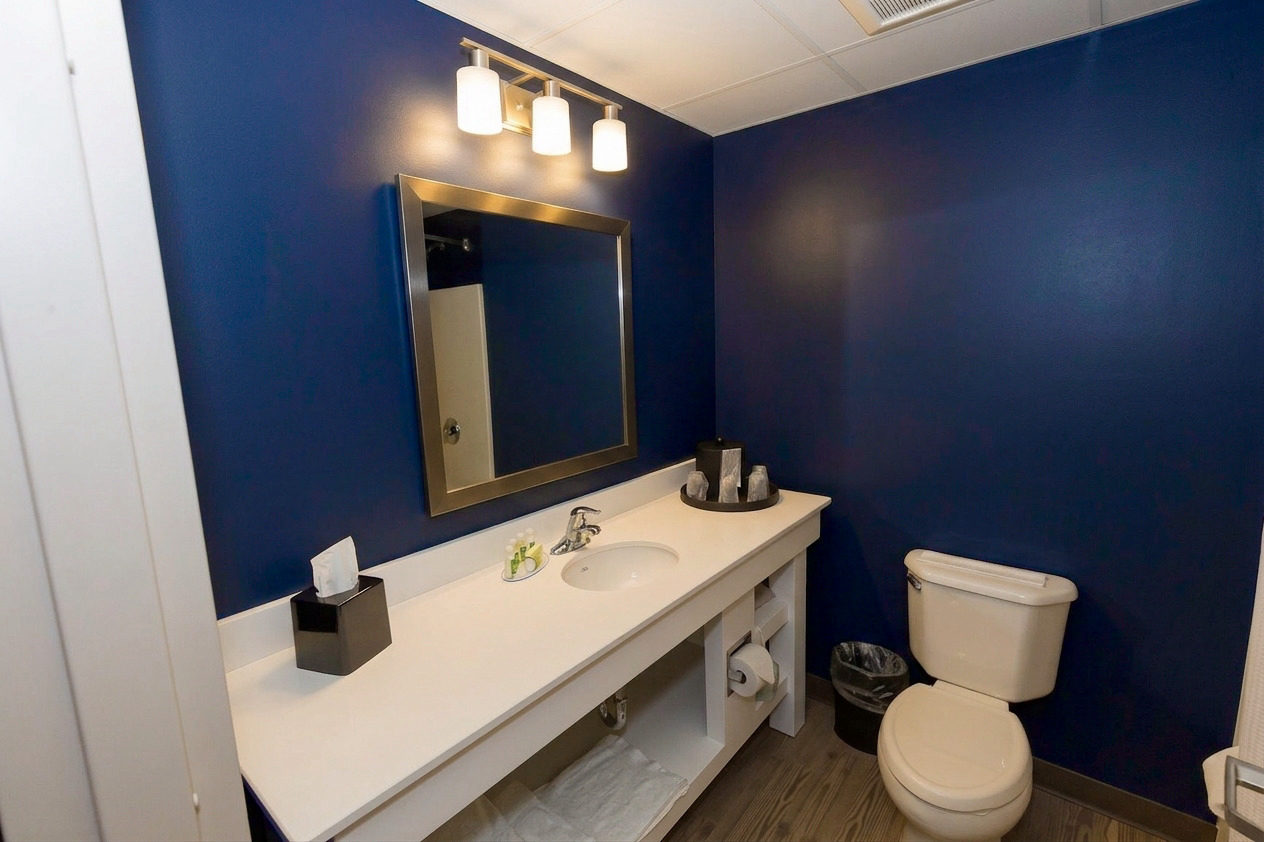
A real render — Dark Navy, measured ΔE 0.07 from the code.
No signup for your first render. No app to install.
1 free renderNo card requiredTest paint colors on your photoPricing from $4.99
Stand back far enough to get a whole wall in frame. Bright photos paint best — open the curtains or flip the lights on if you can.
Your photo isn’t published. It is stored for your renders and scheduled for deletion after 30 days. Studio collections pause that clock.
Real renders, already done. Nothing here uses a credit.
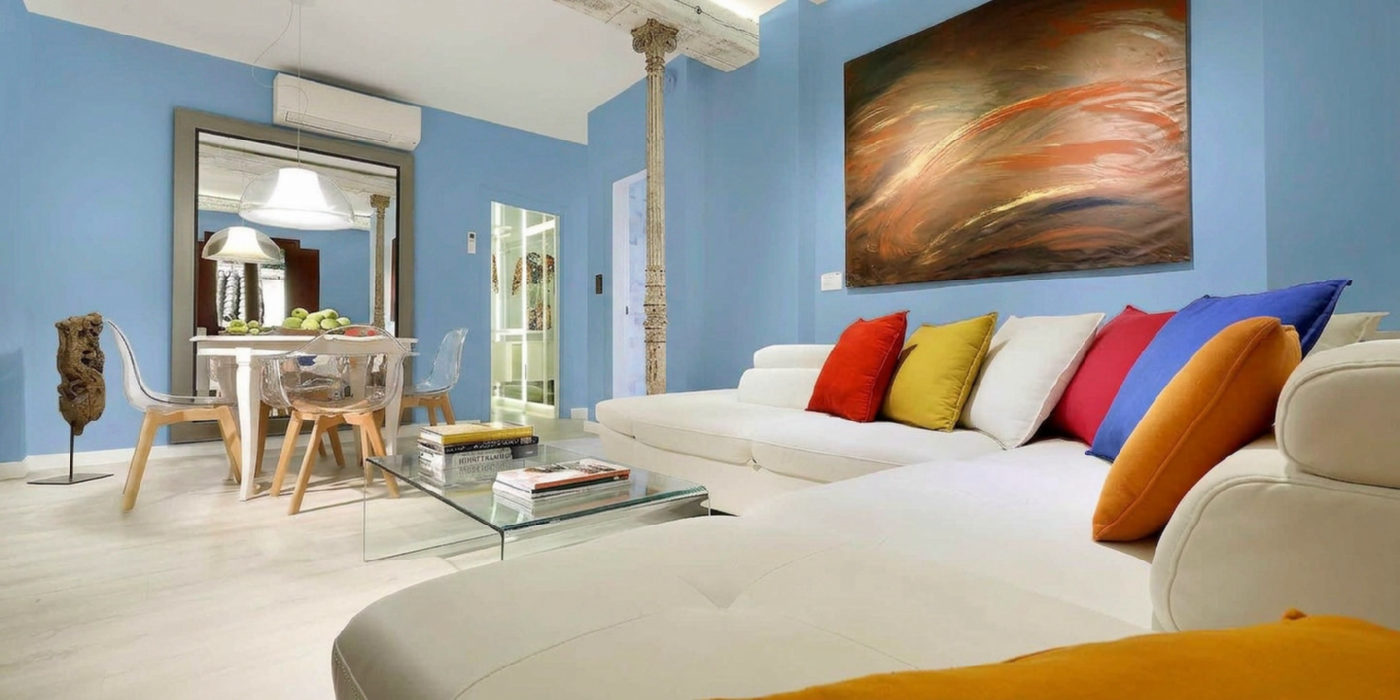
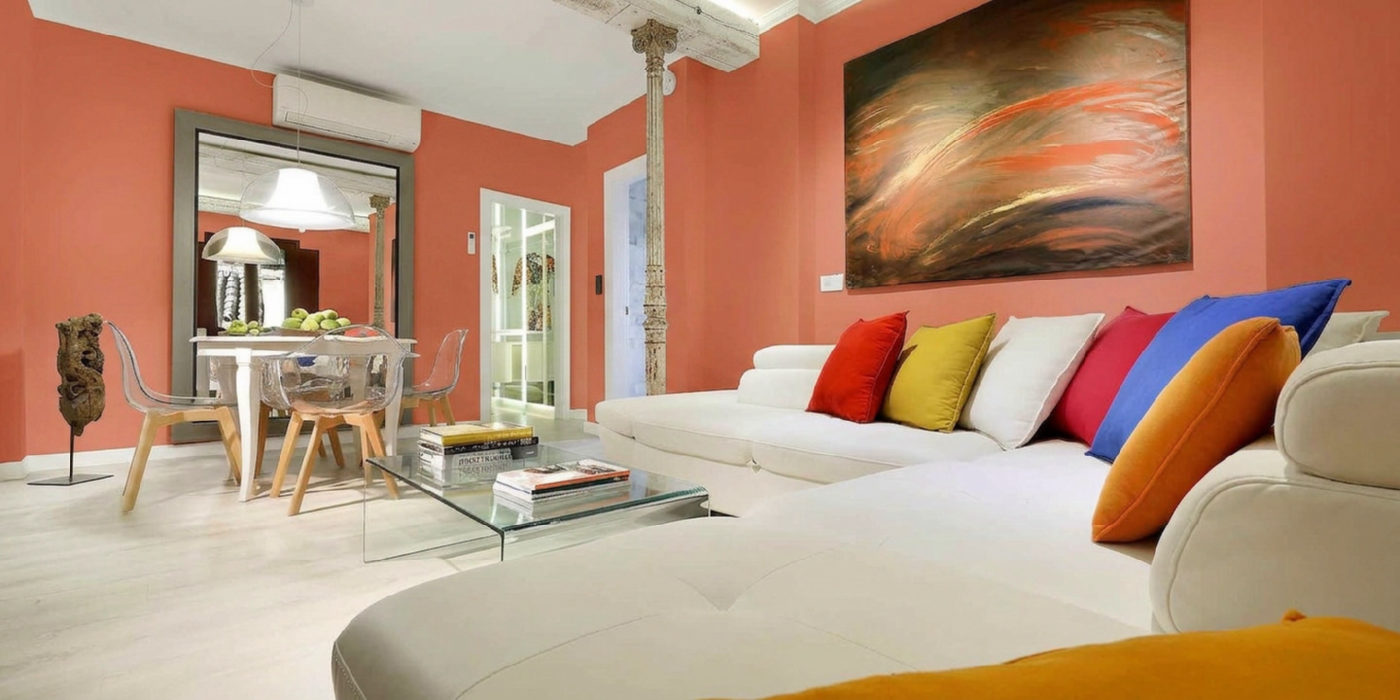
Large white walls, strong daylight, and a mirror — the case the model is best at, and the one most people's photos look like.
Measured colour library
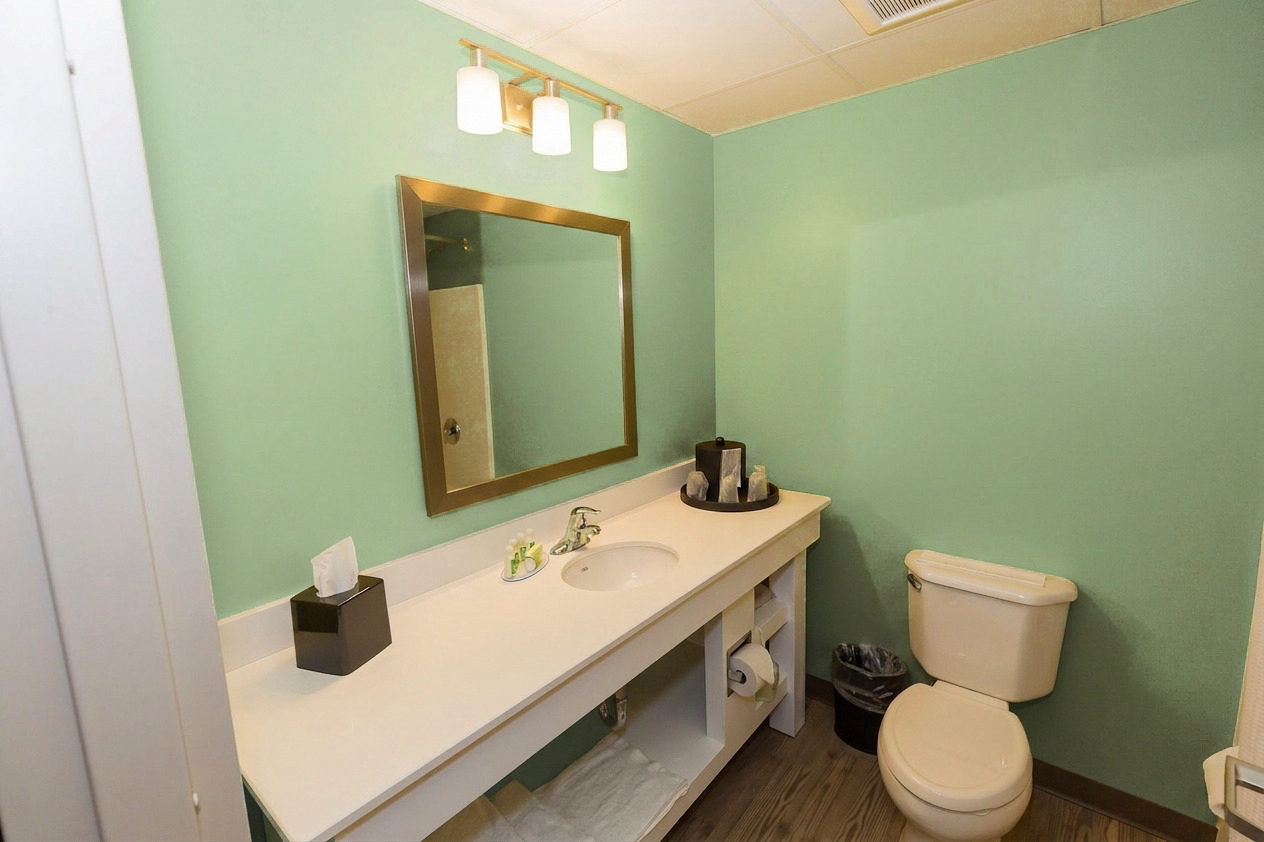
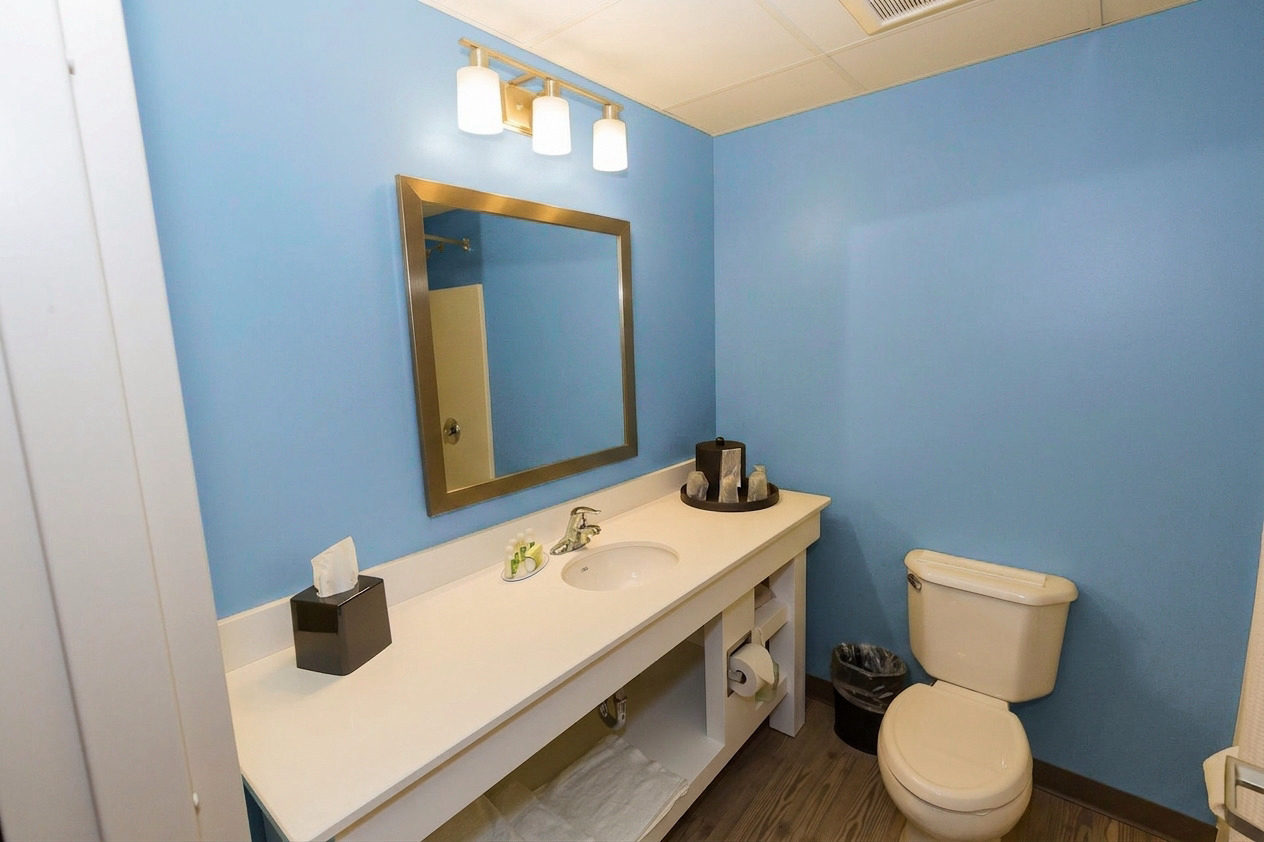
Open any result to compare the room before and after, then see how closely the changed wall matched the requested colour code.
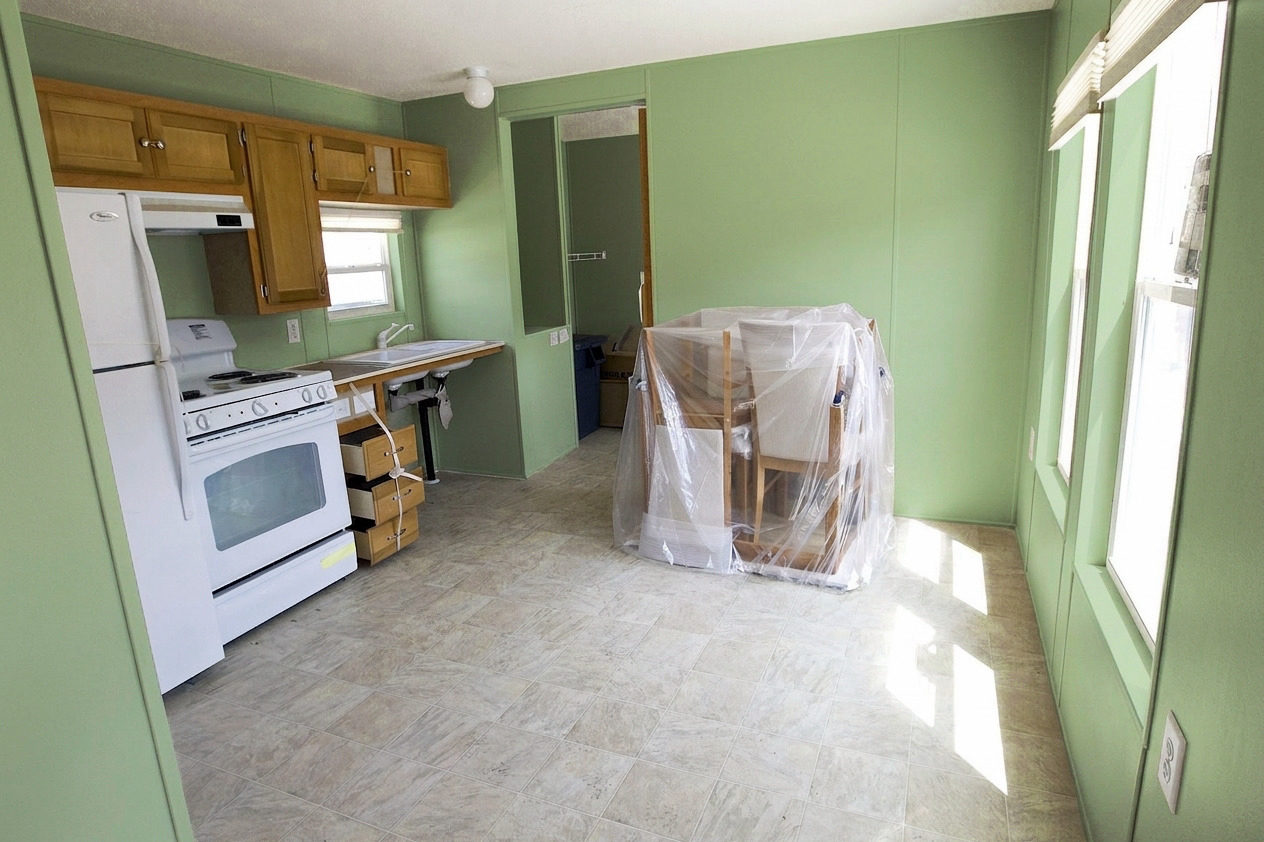
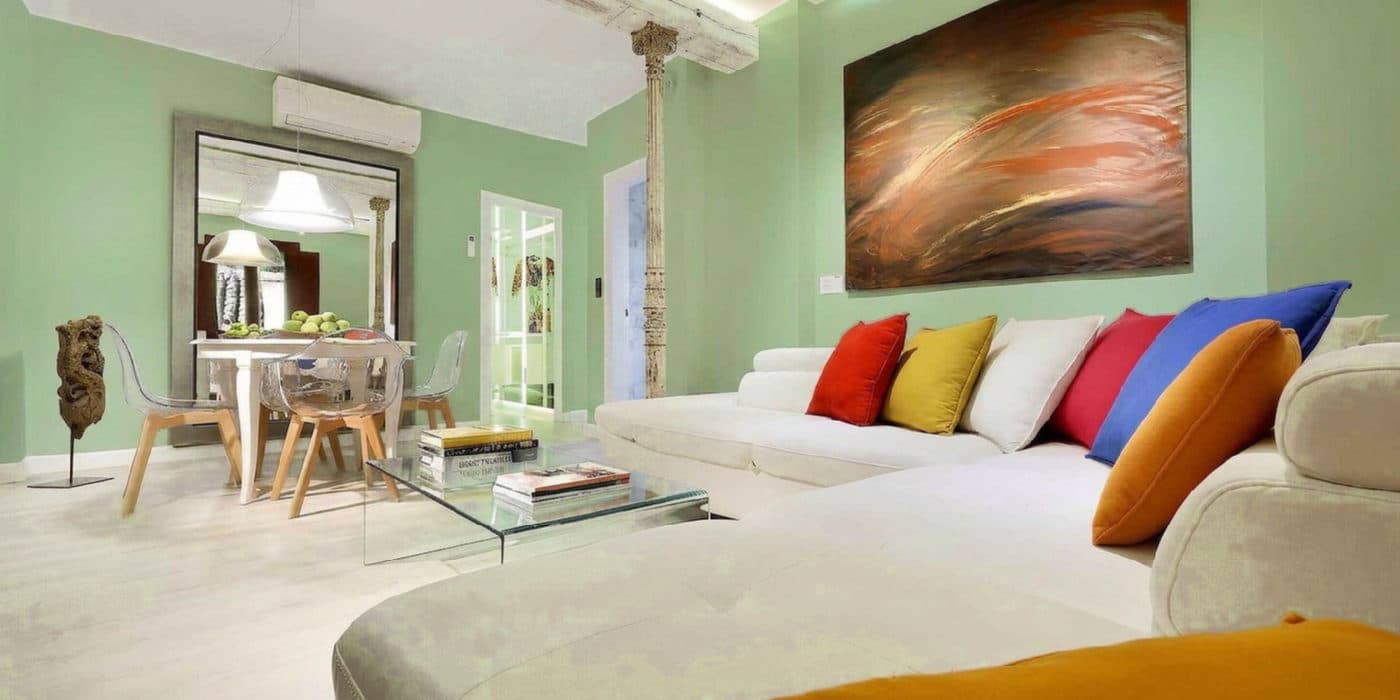 #9CAF88
a bright living room · Delta E 0.67
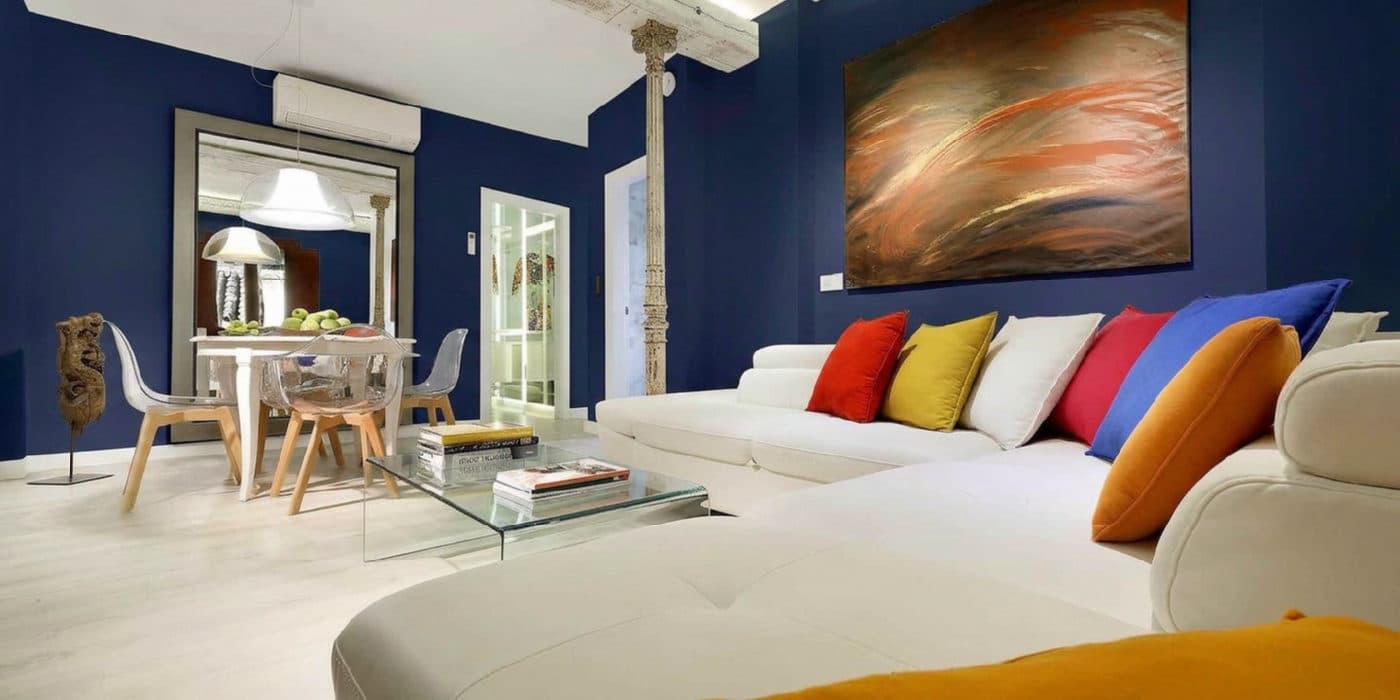 #1F2A44
a bright living room · Delta E 0.03
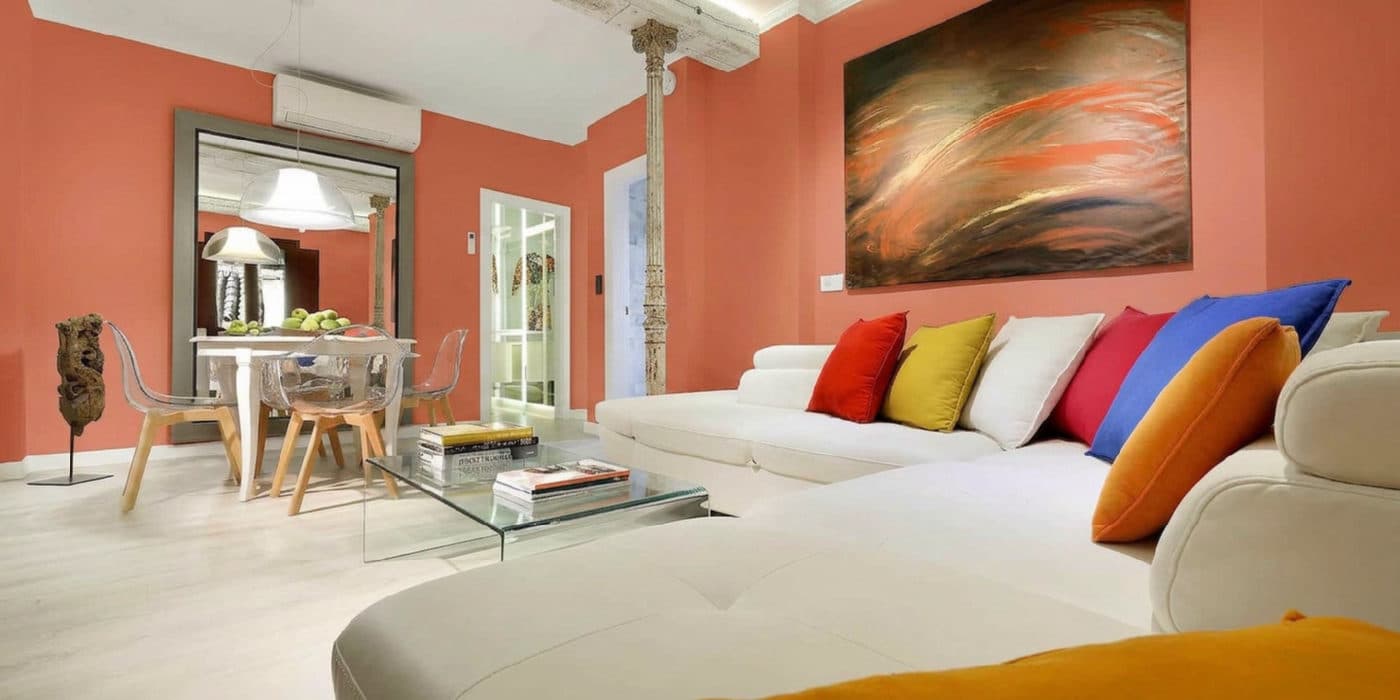 #C06B4E
a bright living room · Delta E 0.30
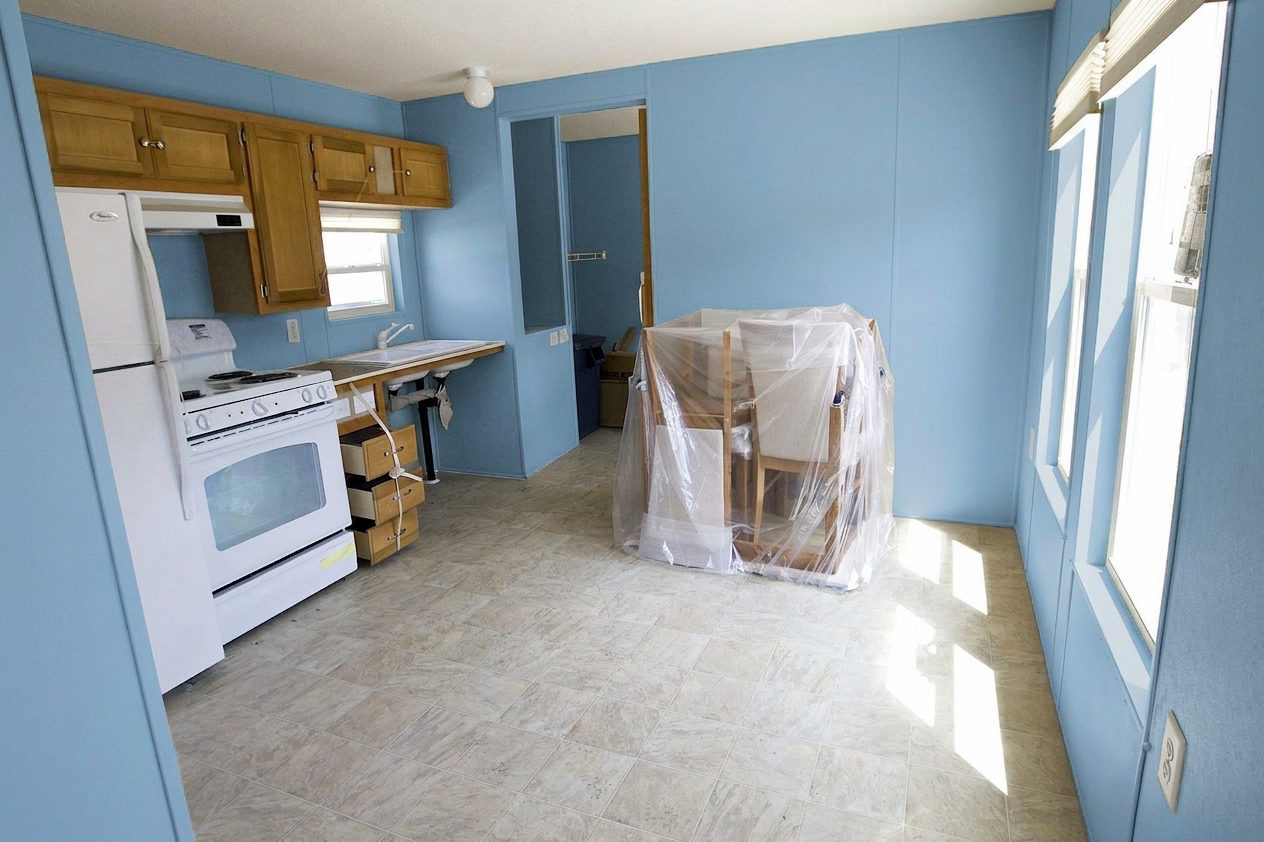
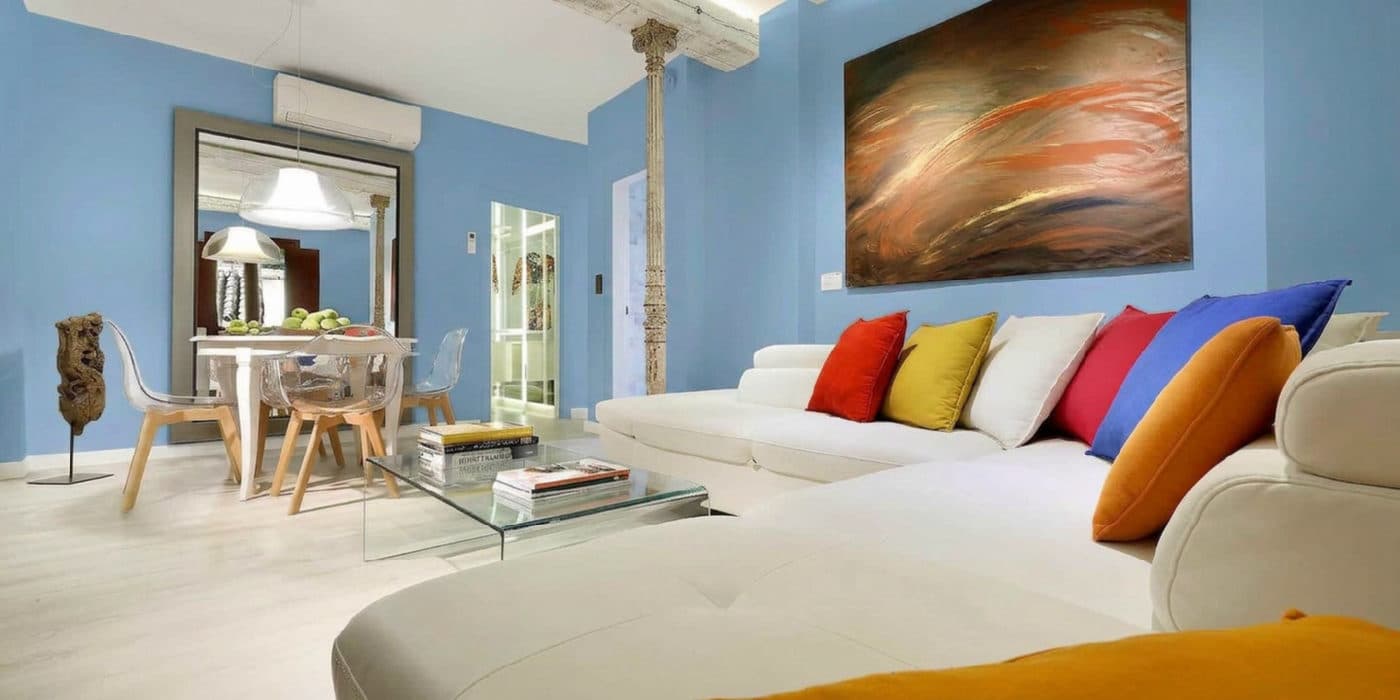 #7C9AB0
a bright living room · Delta E 0.10
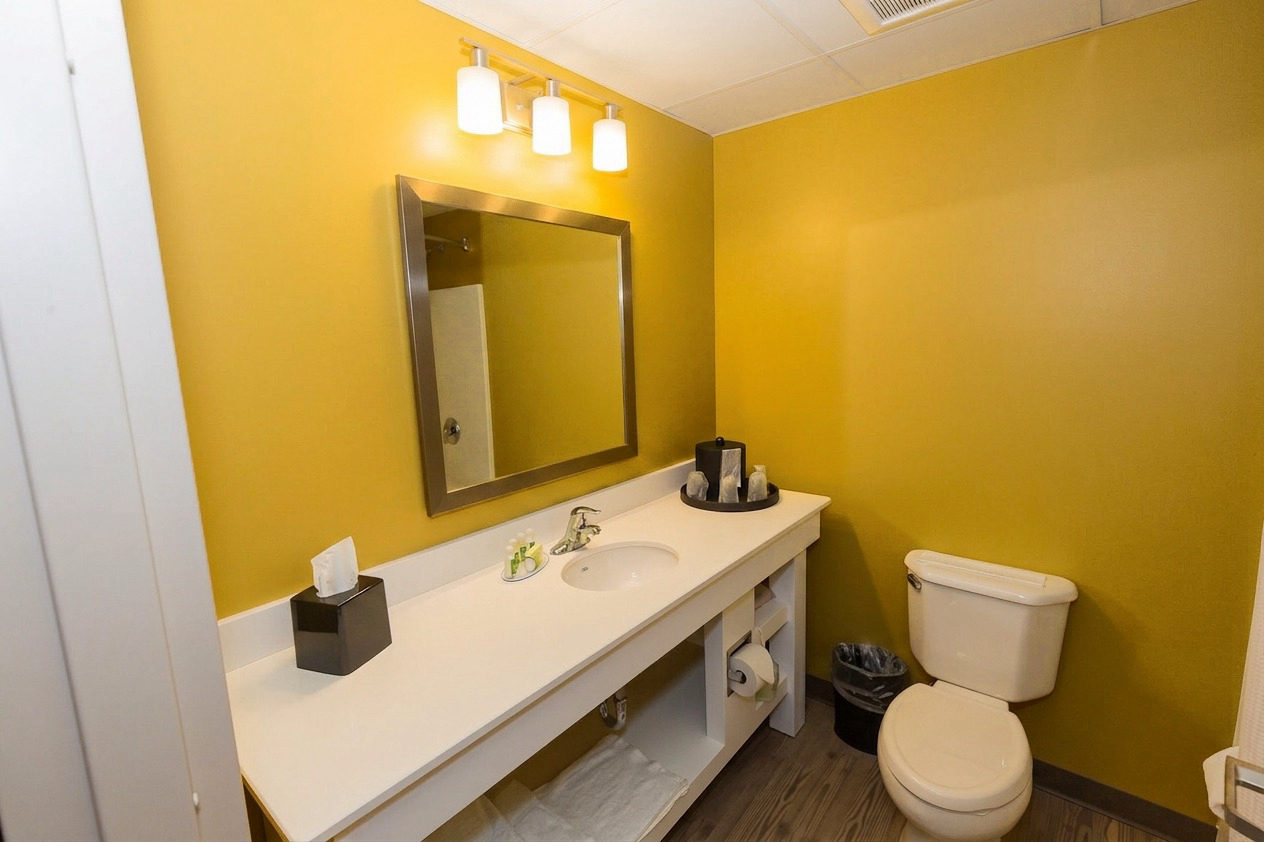
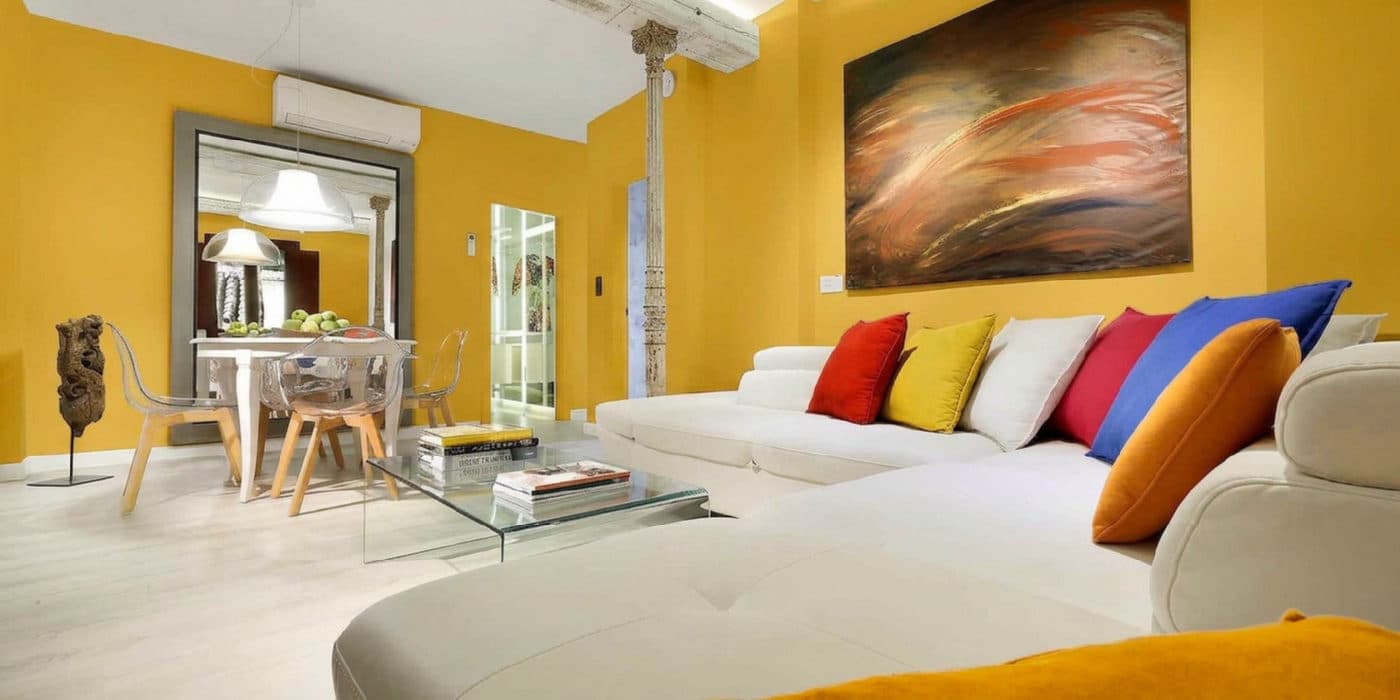 #C99A2E
a bright living room · Delta E 0.56
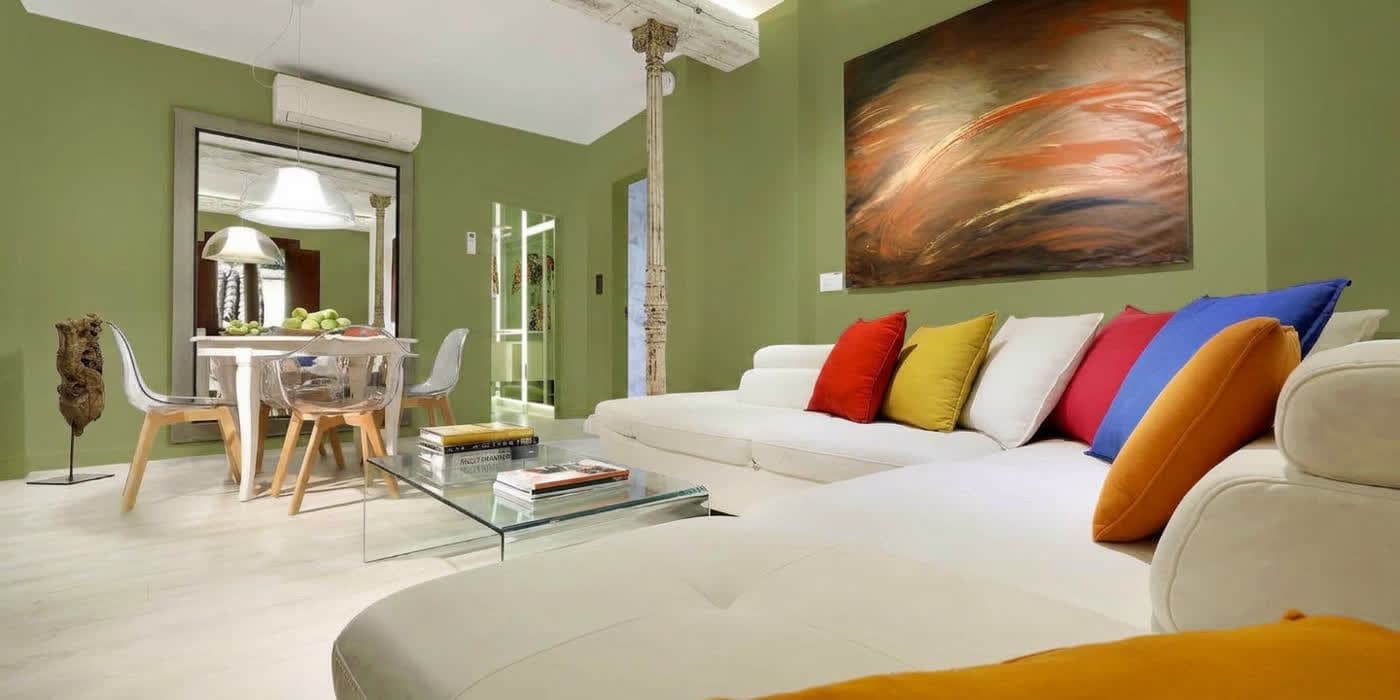 #7D804F
a bright living room · Delta E 0.49
Stand back far enough to get a whole wall in frame. A normal indoor photo from a phone is fine; daylight helps.
Forty-eight curated colours, or mix your own on a proper colour picker — no hex code needed. Your first render needs no account; signing in lets you compare as many as five colours side by side.
Put the before and after next to each other, line the finalists up, and save the one you chose. Then take the code to the paint shop.
Download the sample booklet — free
TestMyPaint sample booklet: three real rooms, five colours each, with the measured ΔE under every pair. No email required.
Every one of these is the same pipeline your photo goes through.
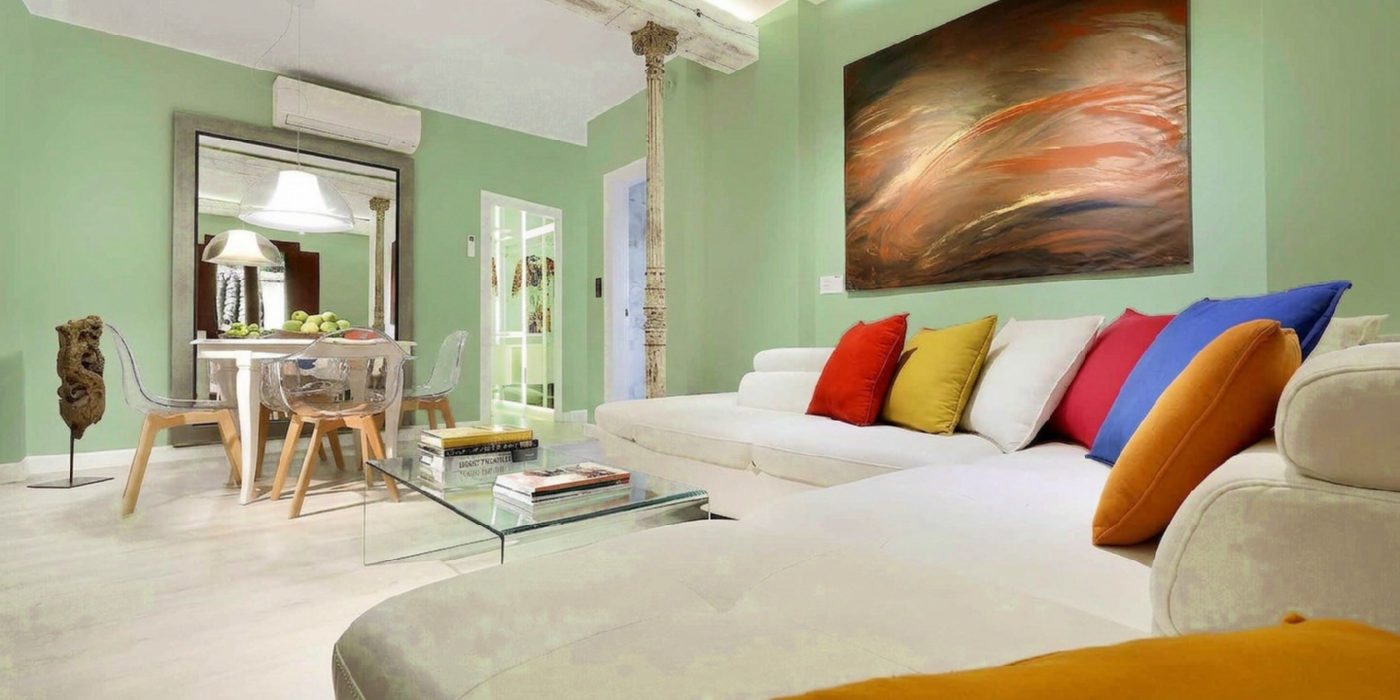
Bright living room · Sage Green
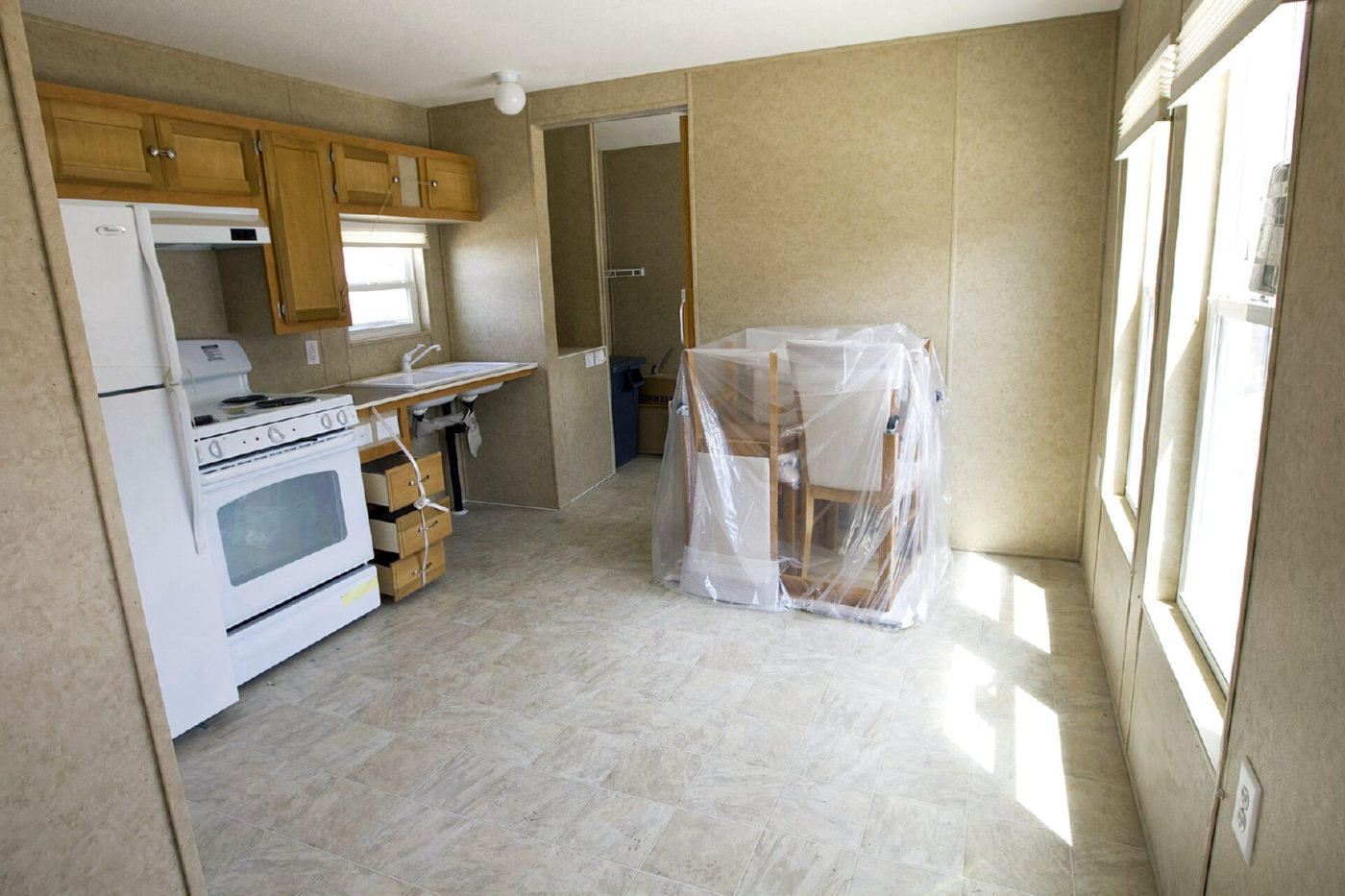
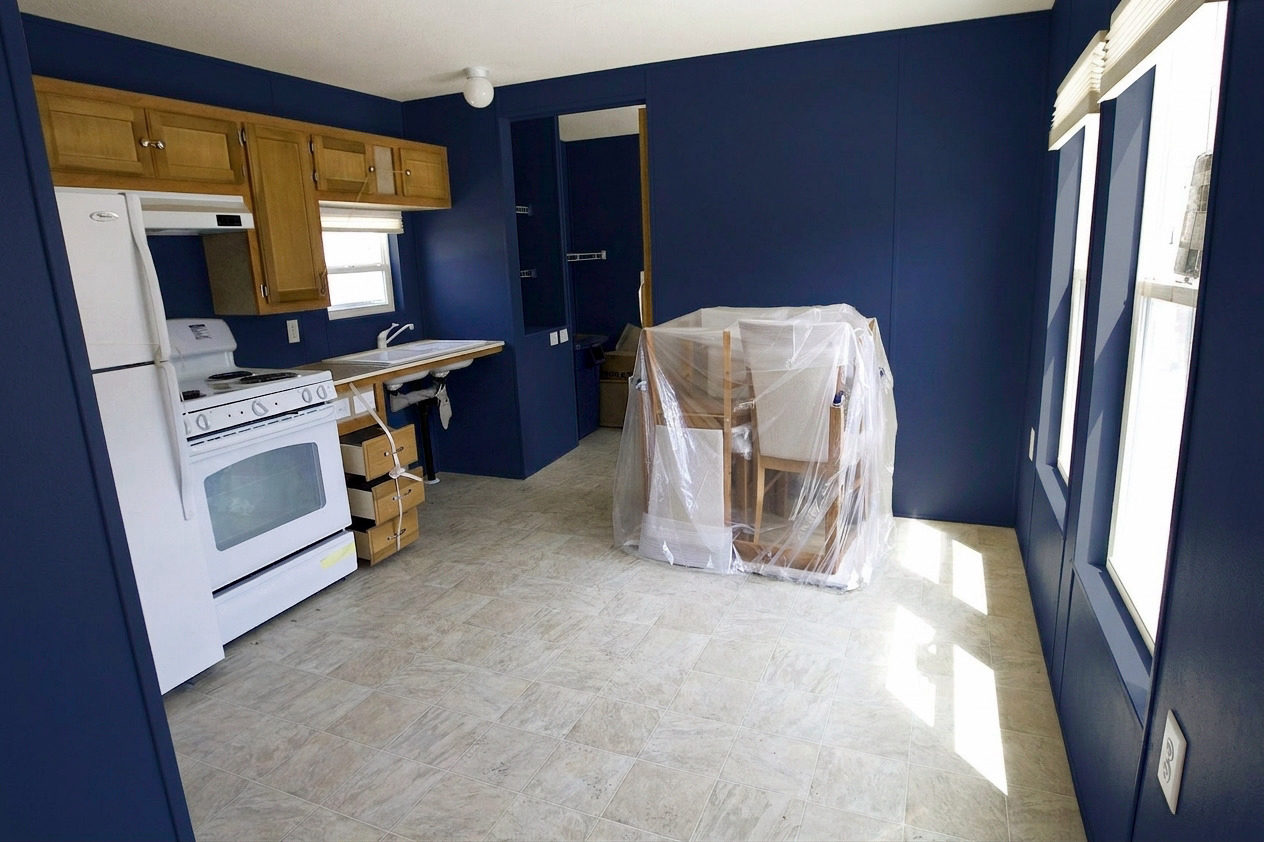
Kitchen · Dark Navy
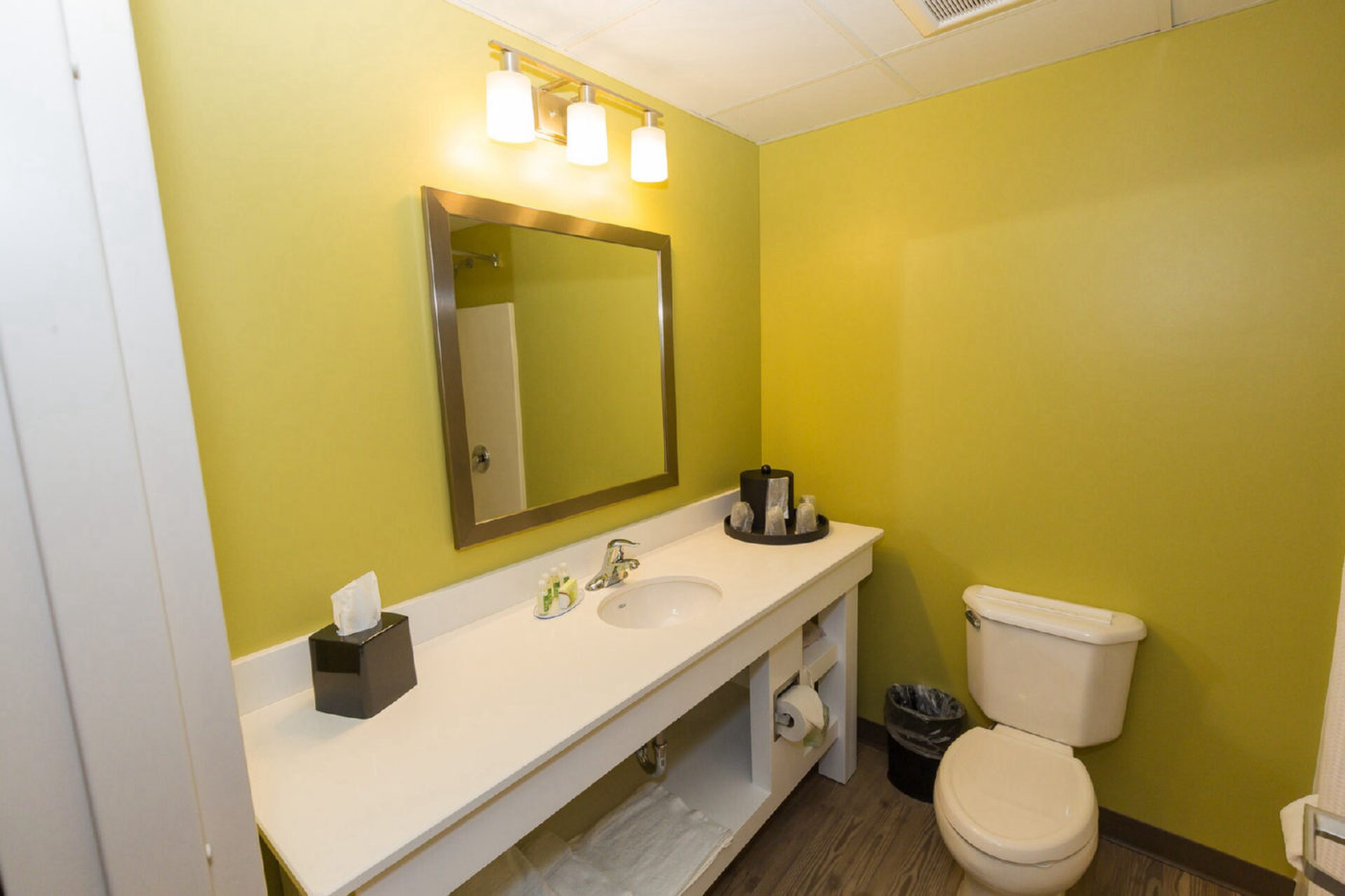
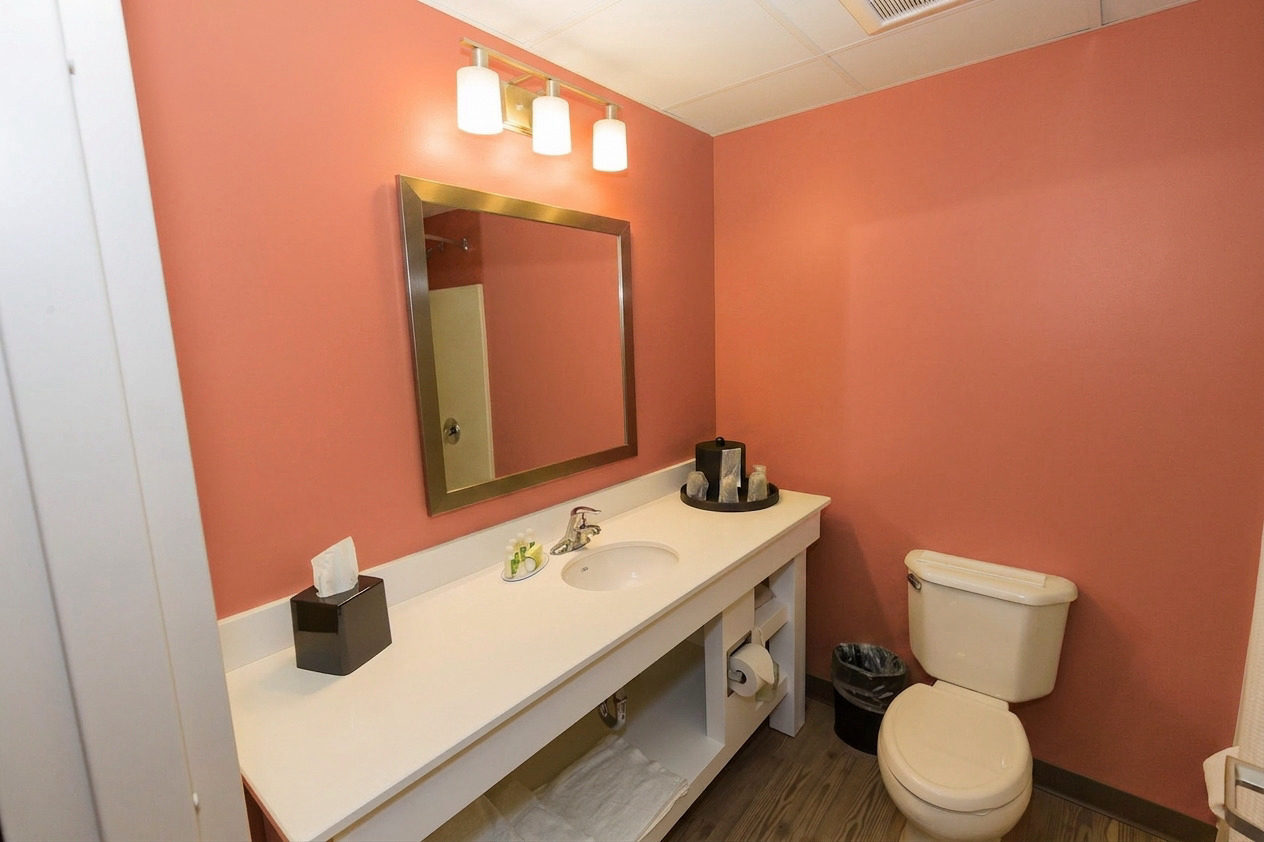
Bathroom · Warm Terracotta
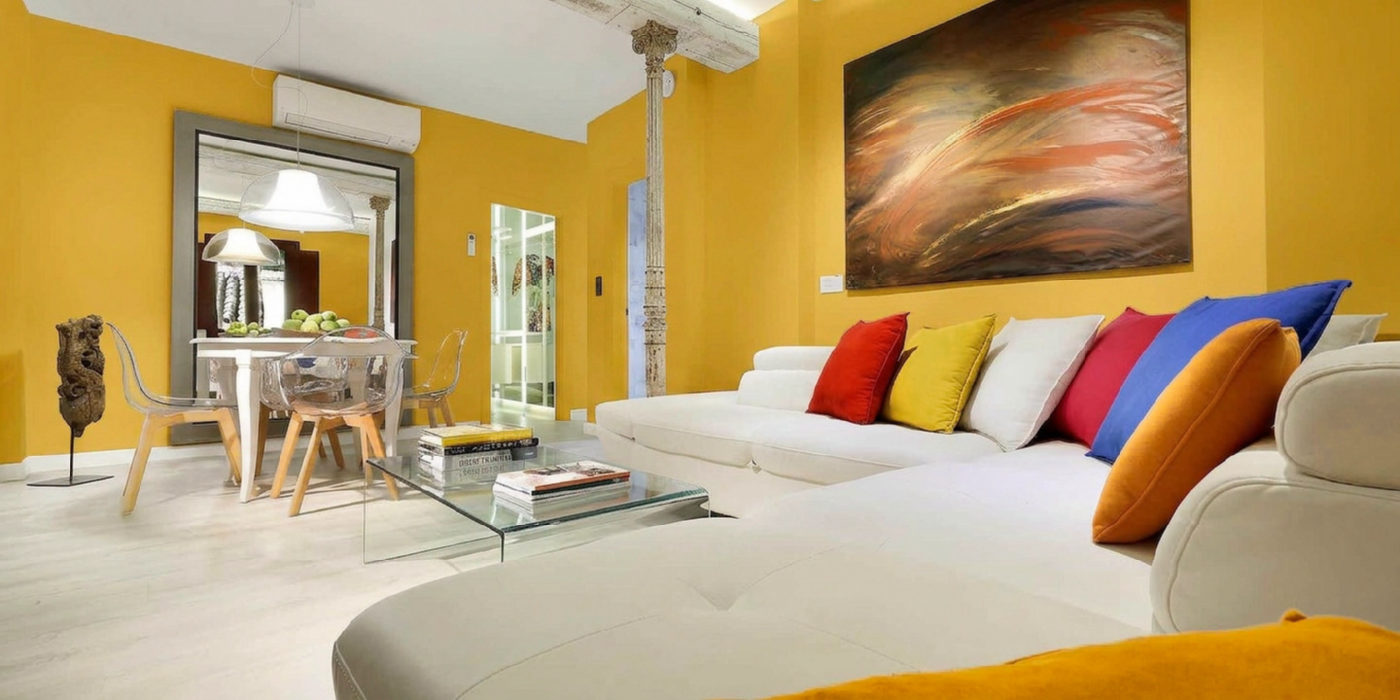
Bright living room · Mustard
Screen colours vary — always confirm with a physical swatch before you buy. We show you how far each render lands from the colour code, and part of any gap is your room’s own light, which is real and would show on a painted wall too. Photo credits.
What the preview can tell you, and where a real swatch still matters.
Yes. Upload a clear room photo, choose a curated colour or mix your own, and compare the repaint with the original.
TestMyPaint corrects each render towards the colour code and measures the painted wall against it. Your room's light and screen still affect what you see.
It is scheduled for deletion after 30 days unless you keep it in a Studio collection.
A bright photo with a whole wall in frame gives the clearest preview. Normal indoor photos work, but heavy shadows can shift how the colour appears.
Yes. Screens and room lighting affect how paint appears, so confirm your final choice with a physical swatch before buying.
Do not use it as an exact colour guarantee or to judge paint finish, coverage, or surface preparation. It is best for comparing colours before a swatch test.
Still choosing a wall finish? Compare Eggshell versus Satin paint by reflection, cleaning, wall condition, and room use.