01
Separate matching from visualizing
A paint matching app starts from an existing wall, fabric, or object and suggests a nearby catalogue color. A paint visualizer starts from a color you may buy and previews it across a larger surface in your room. Those are different decisions. If you are choosing a new wall color, prioritize the room-photo workflow, comparison view, and control over the shortlist. If you are repairing one patch of an existing wall, take a physical sample to a paint counter instead of expecting a phone camera to recover the exact formula.
02
Start with your room, not one brand
Use TestMyPaint first when the job is choosing a new wall color on your own room photo. You can begin with a custom code, a curated color, or the Paint brands selector without committing the whole search to one manufacturer. That matters when you are still deciding whether a warm neutral, muted green, or darker accent belongs in the room. Once the visual direction is narrow, move from the screen to the exact paint brand, product line, and sample you may actually buy.
03
Treat phone matching as an estimate
A phone camera does not read paint like a spectrophotometer. Automatic white balance, exposure, reflections, shadows, wall age, and sheen can all shift the captured color. A matching app may still give you a useful family or nearest catalogue option, but it cannot promise the original formula. Benjamin Moore also supports optional physical matching devices, which is a different workflow from camera-only matching. For a repair, bring a clean chip from the wall or another measured sample to the paint counter and compare the dried result in place.
04
Take a useful room photo
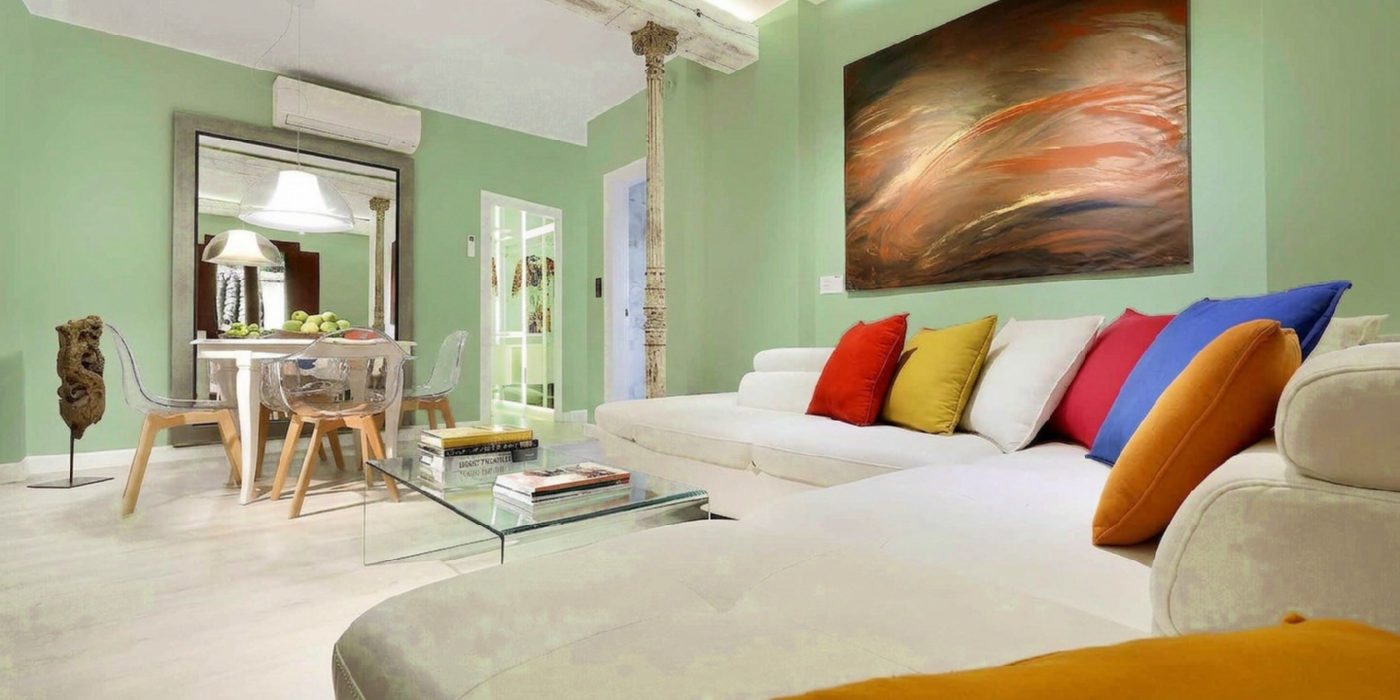
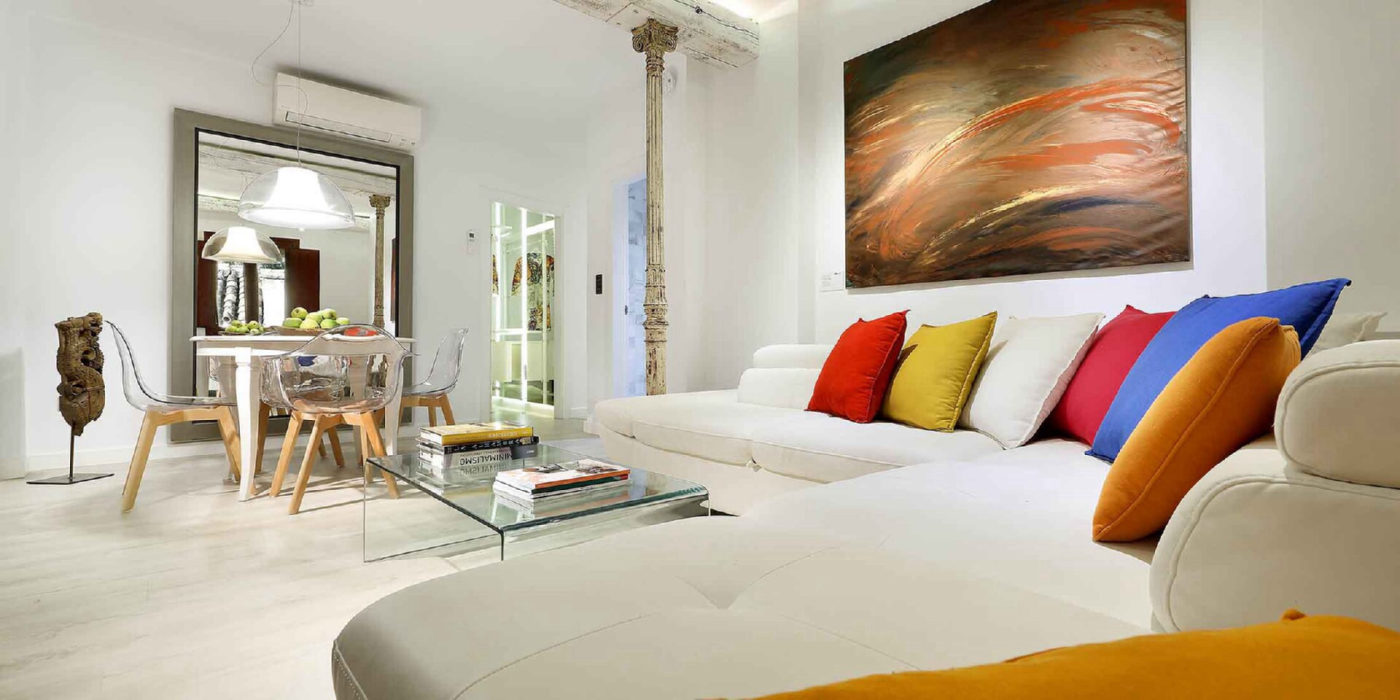
Photograph the wall straight on in ordinary daylight and keep the floor, trim, windows, and nearby furnishings visible. Those fixed elements provide the context that makes a room preview useful. Avoid a frame dominated by glare, deep shadow, a lamp pointed at the wall, or an extreme wide-angle view. Do not crop so tightly that you lose the materials the new color must work beside. TestMyPaint warns when a photo is unusually dark instead of silently treating every upload as equally reliable.
05
Compare a small shortlist together
Three to five purposeful options are easier to judge than dozens of nearly identical chips. A signed-in TestMyPaint request can include up to five colors, which keeps the room, camera, and surrounding materials consistent across the set. Compare the original photo with each finished result, then look for the option that works with the fixed floor, trim, countertop, and daylight. The goal is not to find a perfect screen color. It is to remove weak directions before you spend time and money on physical samples.
06
Read measured color drift correctly
TestMyPaint shows the requested code beside a measured Delta E difference for the generated wall color. A lower value means the rendered result stayed closer to the requested digital color. It does not mean the monitor, phone, room light, or final coating will reproduce that code perfectly. Use the measurement as quality control for the preview itself, especially when comparing two close candidates. Then judge the actual paint with the manufacturer chip and a coated sample in the room.
07
Know what manufacturer apps cover
Manufacturer apps document their own catalogues, products, and sample routes. Sherwin-Williams includes interior and exterior ideas. Benjamin Moore combines its catalogue with camera matching and optional hardware. Behr connects room previews to Behr products, while PPG covers rooms and exteriors in a browser. Keep those facts for the product and sample stage. For the room-photo shortlist, TestMyPaint keeps the comparison open instead of directing the whole decision through one manufacturer's visualizer.
08
Inspect the whole image, then swatch
Look beyond the repainted wall. Check trim, floors, windows, furniture, artwork, and objects for unintended changes, then compare the result with the original. A visualizer can occasionally color a nearby surface or soften a boundary, so do not judge the wall while ignoring the rest of the image. Use the preview to choose the two or three candidates worth sampling. Apply the exact paint product and sheen to a movable board or wall patch, then check it in daylight and evening light before buying the full quantity.